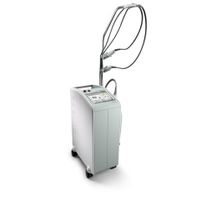
Cutera - Excel V
Cutera Excel V Forums
This is short and simple as I'm sure most of you have work to do. First thing is to look at the back of the Excel V laser in the right upper corner for a 5mm hole. Please see attached image. Use a long allen key (4 or 5 mm) and insert it into this hole. It will go in pretty far until you get to a stop. Once you feel it stop, firmly press the allen key in and the right panel will pop open. It is just a spring-loaded button that locks it in place. Once you see the panel pop out you can see what you need to do to get the rest of the panel off.
I need to remove the side panels to my 2013 Cutera Excel V cosmetic laser system. Anyone have a line on one, or that can tell me what to do to get them off?
Equipment: Cutera Excel V Laser
RE: Cutera - Excel VEquipment: Cutera - Excel V
RE: Cutera - Excel V