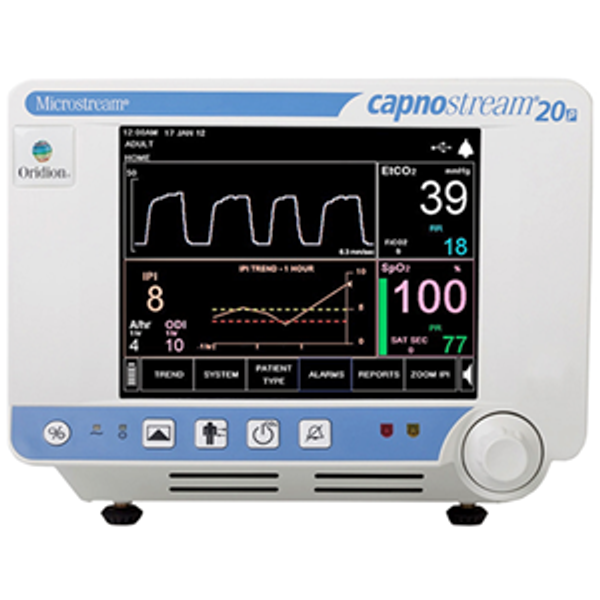
The time on the unit always shows the time is it was last turned off. Any help here.
Equipment: Covidien - Capnostream 20P
Equipment: Covidien - Capnostream 20P

Hi Buzzard64,
That is definitely a weird one. Maybe check to see if the clock battery is dead? The instructions on how to get to it are in the service manual. You can find that in the Documents section on the left and is labeled just "Manual".
Good Luck!

It sounds like the internal clock may not be updating when the device is powered on. This can sometimes happen if the backup battery that maintains the clock is weak or failing.
You might try checking the date/time settings in the system menu and resetting them, then power-cycling the unit to see if the time holds. If the issue continues, the internal battery or firmware may need service.
I would recommend contacting Medtronic (the manufacturer of the Covidien Capnostream 20P) or an authorized service provider to inspect the unit.
I have seen this happen on several patient monitors and it usually comes down to that small internal battery failing to hold a charge. Since the Capnostream 20P relies on accurate time for trend data and event markings, it is worth getting it serviced sooner rather than later to avoid issues with your patient records. Most biomedical shops can swap that battery out fairly quickly, but make sure they perform the required safety checks afterward to ensure everything is back in spec.